Customize Your Logo on AquaFighter in 5 Simple Steps
Want to know how to create a customized logo and message on an AquaFighter handout? Here’s how to make your own printable version!
First, Open the AquaFighter page in Cenexshop. You’ll see the two images below.
The process for both is exactly the same with the exception of whether you are adding your logo or not. While both choices allow you to create a custom message and put in your company name, address and phone number, only the option marked “Custom Logo” will allow you to add your company logo. For demonstration purposes, we will focus on how to create one with your logo.
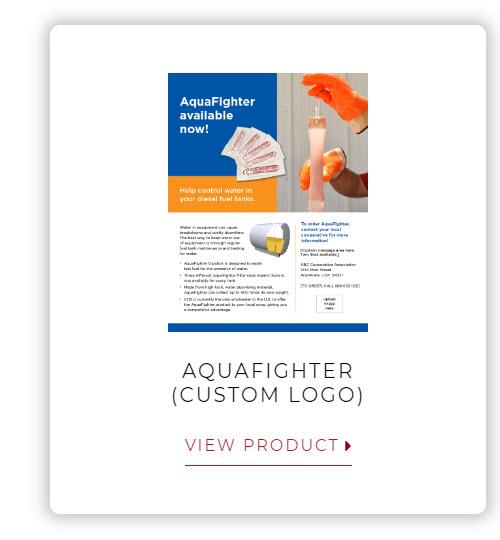
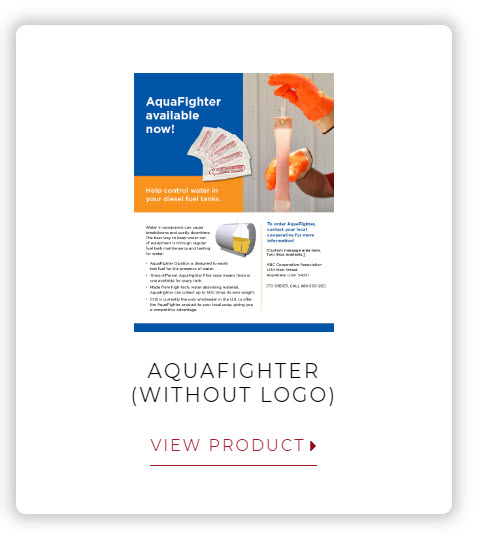
Let’s get started. Click on the image above, left. You should see a button that says “Design Product.” Select it.

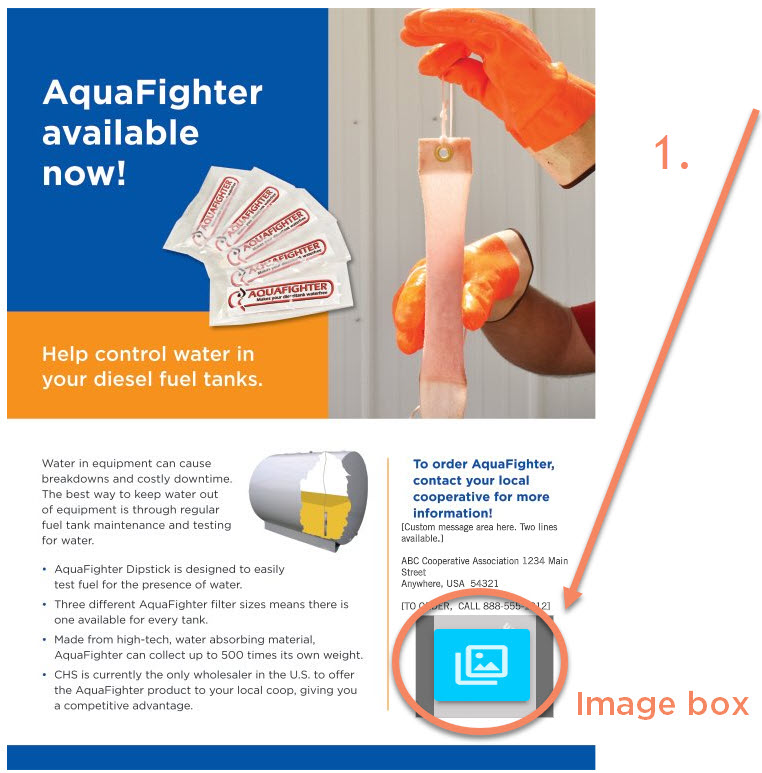
The first thing we are going to do is add your logo. Click on the image box (circled below, left).
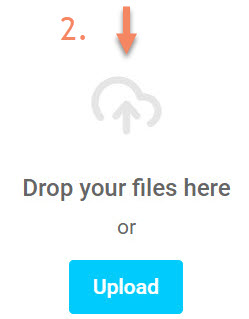
Next, either drop a file or upload an image of your logo from your computer.
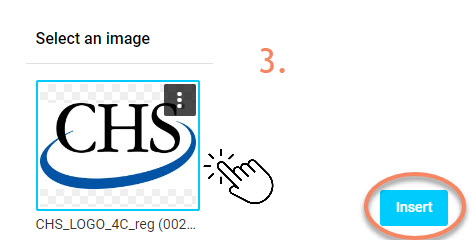
Once your logo appears on the page, be sure to click on it. This will open up the “Insert” button. Select that. Your logo should show up on the AquaFighter ad.
Next, it’s time to create your custom message and add your company name, address and phone number. Start by clicking on the area above your logo, as seen below. This will highlight the text to the right. Type over the existing text with your own.
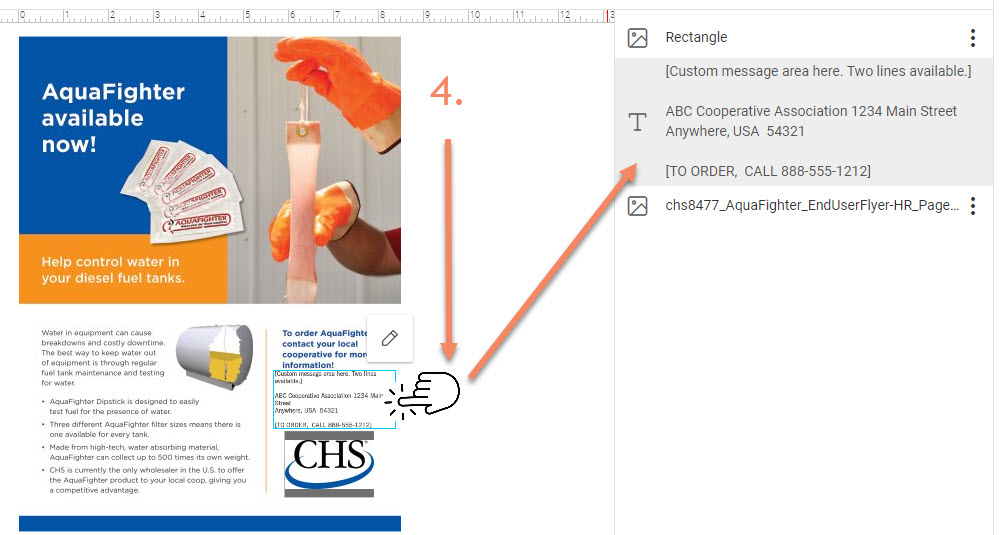
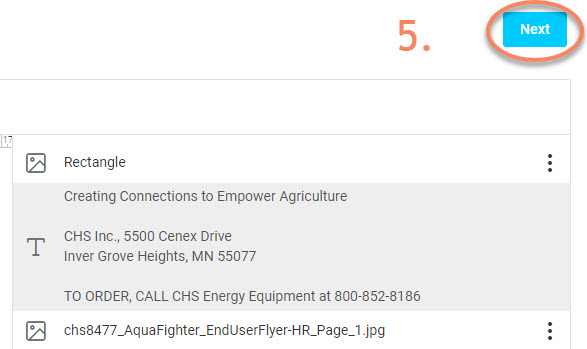
Once you have completed editing your message, address and phone, click on the “Next” button.
Finally, click on “Download proof PDF” found on the lower left of your screen. From here, you can save it to your computer and print it out.