How to submit your CHS safety reimbursement dollars on CHS Connect
- Scan/copy your safety receipts and save them to your computer.
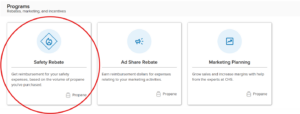
- Open CHS Connect, select programs
- Under the programs section, select Safety Rebate
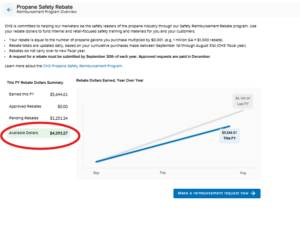
- This is the home page for the safety reimbursement program, with available dollars found on the left-hand side.
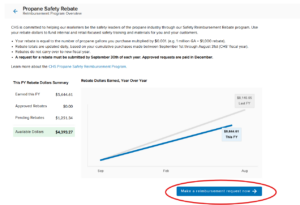
- To submit a reimbursement, select the blue button “Make a reimbursement request now”
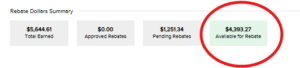
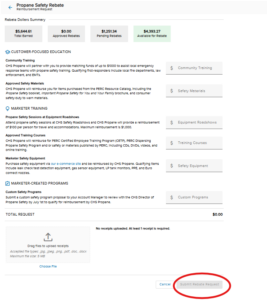
- At the top, you can see the total dollars earned in the fiscal year, including approved rebates, pending rebates, and available rebate dollars remaining.
- Enter in your dollars to the specific buckets and attach the respective documents for approval.
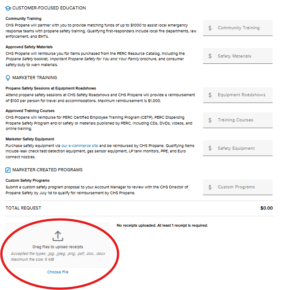
- When completed, select the blue button “Submit Rebate Request”
- For further assistance with CHS Connect, reach out to your CHS propane account manager or email energypropanemarketpulse@chsinc.com